Photo Exporter
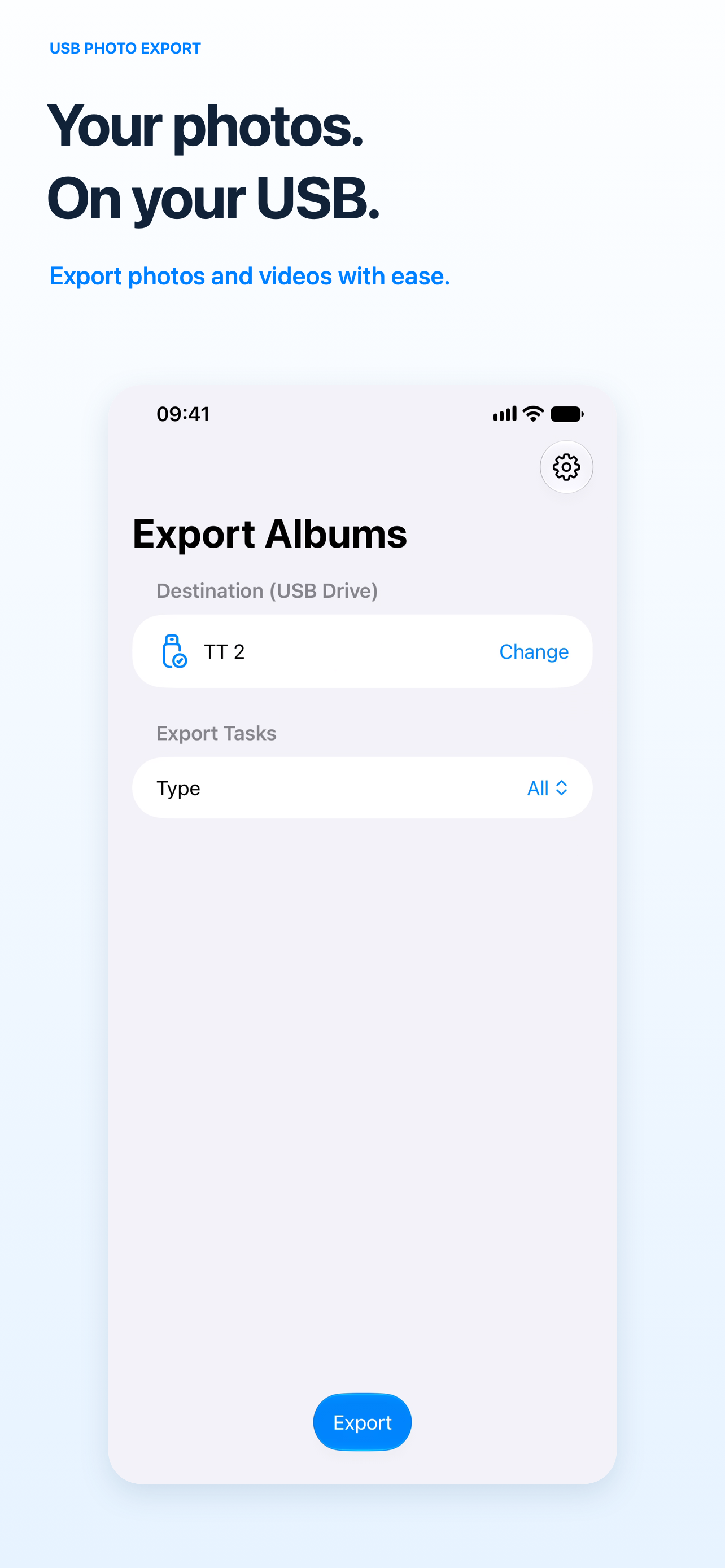
Your photos. On your USB.
USB Photo Export brings your original photos and videos out of your photo library and onto your own USB drive. Connect a compatible drive to your iPhone or iPad, choose a folder, and start exporting.

Keep the originals
Export original files without re-encoding. Supports photos, videos, screenshots, RAW photos, and Live Photos. A Live Photo is saved as its photo and paired video files.
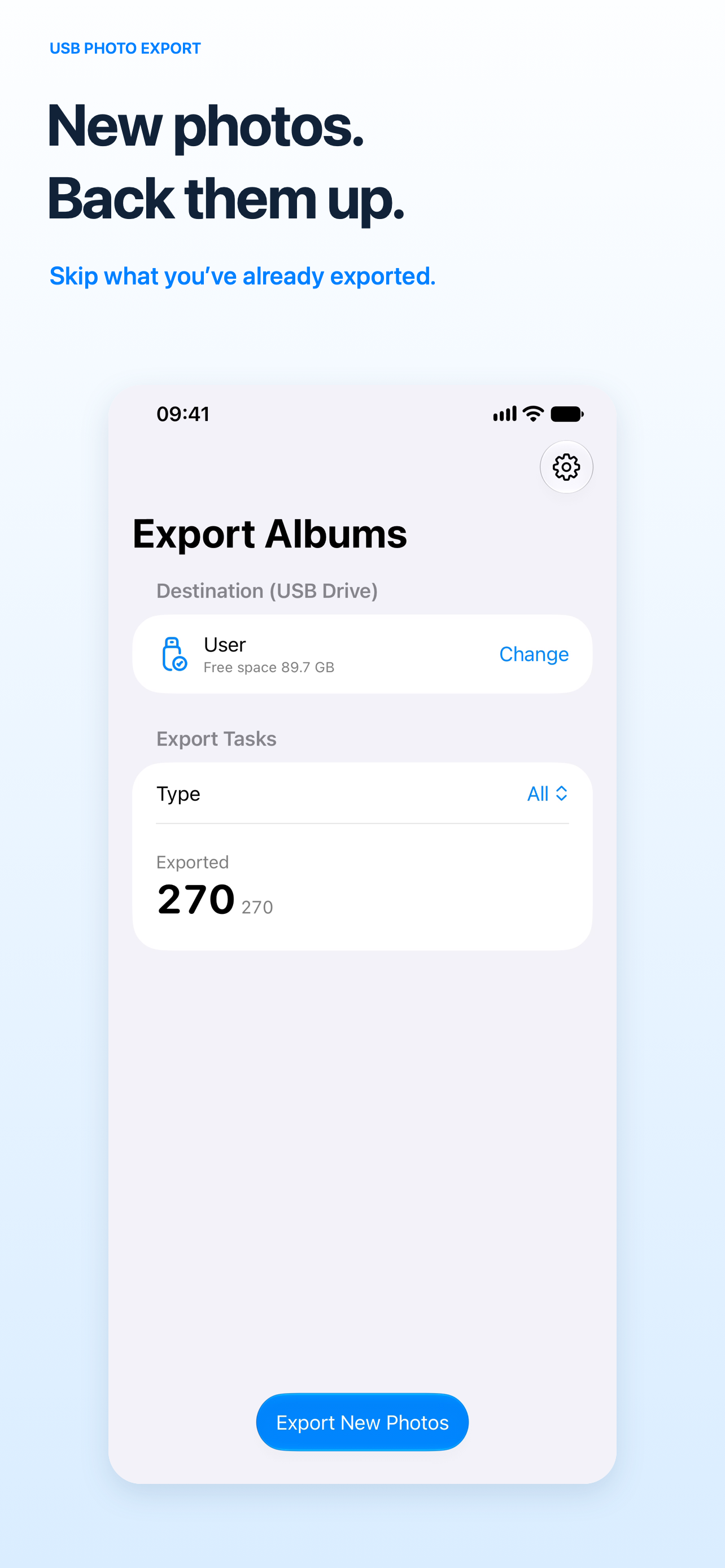
Back up new photos
Enable Skip Already Exported to avoid copying the same items again. The app checks its export records and destination files; missing exported files can be copied again.
Bring your iCloud originals with you
Originals stored in iCloud can be downloaded before export. Choose Download over Wi-Fi only to control when those downloads take place.
See your progress
Follow exported counts and task progress, pause and resume, and retry failed items. Exporting copies your files without deleting photos or videos from your library.
Three steps to your own backup
- Connect a compatible USB drive to your iPhone or iPad.
- Allow access to the photos and videos you want to export.
- Choose a writable folder on the drive and tap Export.
The free version includes exports of up to 200 unique photo or video items in total; a Live Photo counts as one item. Additional exports require an in-app purchase. Available purchase options and prices are shown in the app before confirmation.
Requires iOS/iPadOS 17 or later and external storage that is accessible and writable in the Files app. An adapter may be needed. Downloading iCloud originals requires internet access. Keep the app open and the drive connected during export. Before deleting any originals yourself, open and check your exported files and keep an additional backup.
Support & information
Questions about connections, exports, or purchases? Contact flexih+floattower@gmail.com.
Looking to move files in the other direction? Photo Import² imports photos and videos from a USB drive into your photo library.